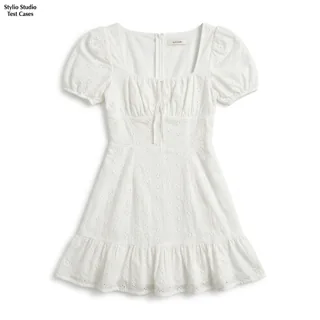

Source product photoAI-generated image
Turn existing garment photos into AI on-model images and lifestyle visuals. Create imagery for product pages, new collections and social campaigns, with originals and results organized by product.
App Store · iPhone · iPad · Mac with Apple silicon
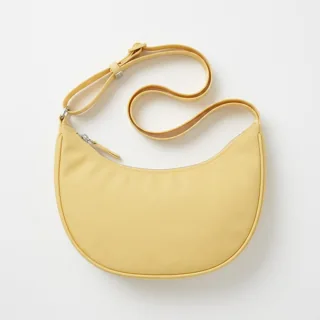
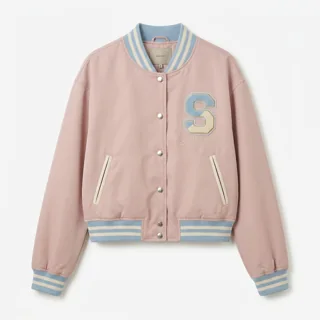
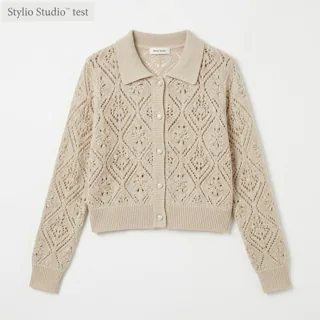
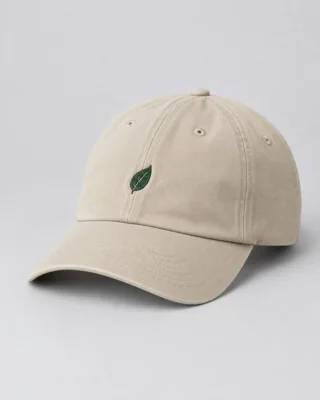
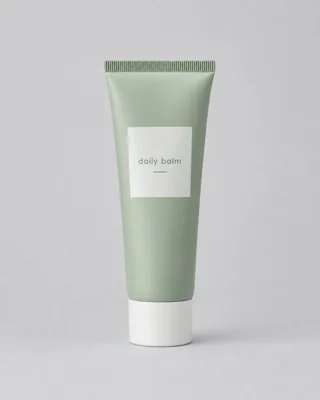
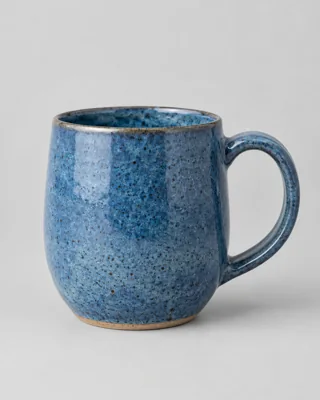
DressTap an image to compare the direction
Create 6 images at 1K, or 5 images at 1K in high quality.
Choose either option within your 30-credit trial balance.Compare the source with AI on-model and lifestyle images. Start with apparel and accessories; skincare and homeware examples show other supported product uses.

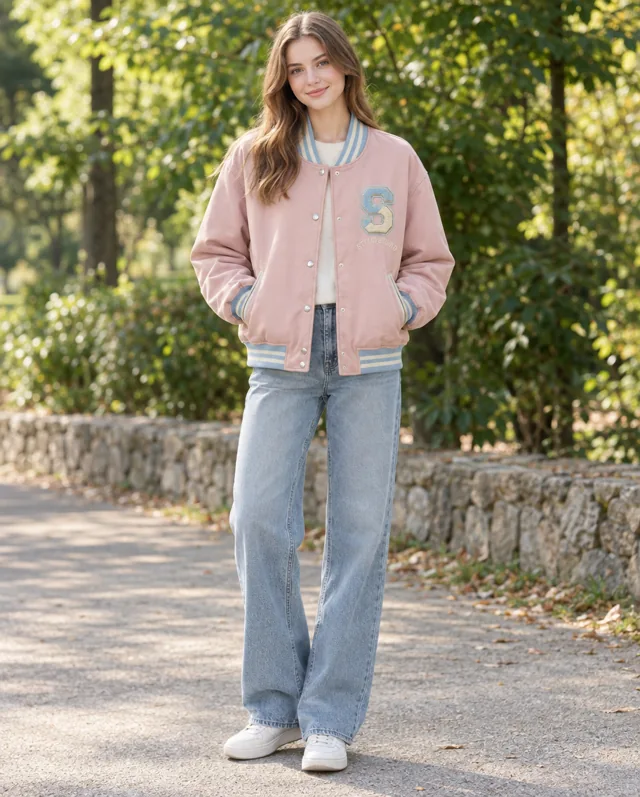
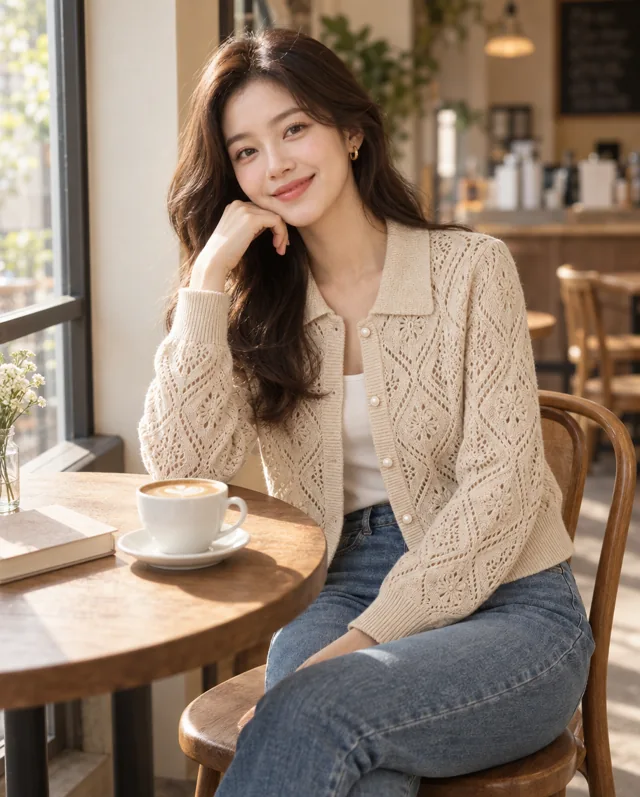



Selected AI-generated examples. Before publishing, check garment shape, colors, prints, trims and logos against the source. Use accurate product photography to document details and fit.
Add a clear garment photo without a person: a flat lay, hanger shot or mannequin photo. Start the analysis to check the product and receive image plans.
Select an image plan. Use Adjust if you need to change the model, framing or output settings. The Generate button shows the credit cost, so you can review it and generate directly.
Compare each result with the source. Check garment shape, color, prints, trims and logos, then save or share your selections. Return to the product project to create more image options.
Create AI on-model images from garment photos to supplement your product pages and new-arrival listings.
Develop lifestyle images of apparel and accessories for social posts, email campaigns and promotions.
Create individual images for a collection’s lookbook. Export your selections and lay them out in your usual design tool.
Apparel brands, online boutiques and the people creating their ecommerce content. Use existing garment and accessory photos to produce AI on-model images, product scenes and lookbook assets.
Open Adjust on a plan to change the model, framing and output settings. AI casting is the default; you can also select a model profile created with the required authorized photos. References guide generation but do not guarantee identical people or details across images.
The Generate button shows the credits required for the selected plan and settings. Review that cost before tapping. Additional credits are available as in-app purchases; current prices and options appear in the app.
Compare each image with the actual product, especially garment shape, color, fabric, prints and logos. AI can alter details, and on-model images do not verify real fit. Use photos and model references you have rights to, and check your sales channel’s image requirements.
App Store · iPhone · iPad · Mac with Apple silicon