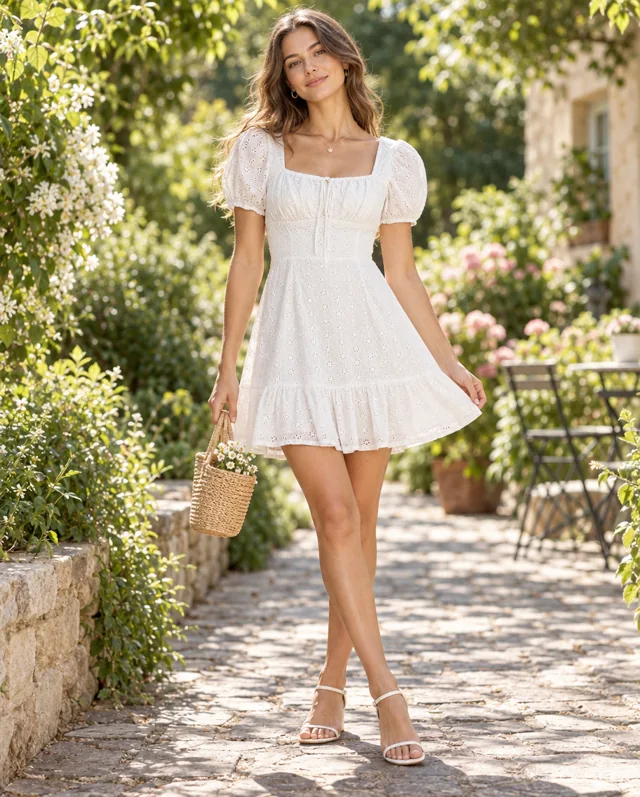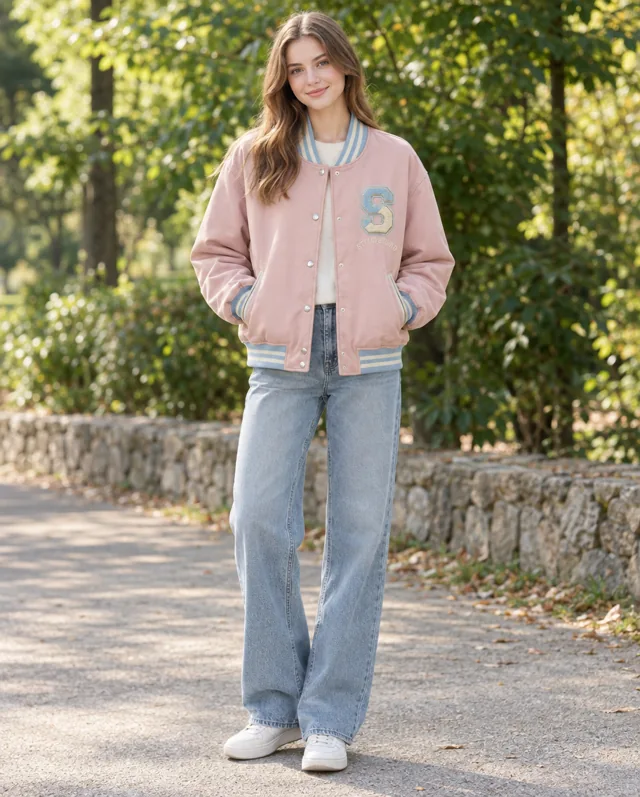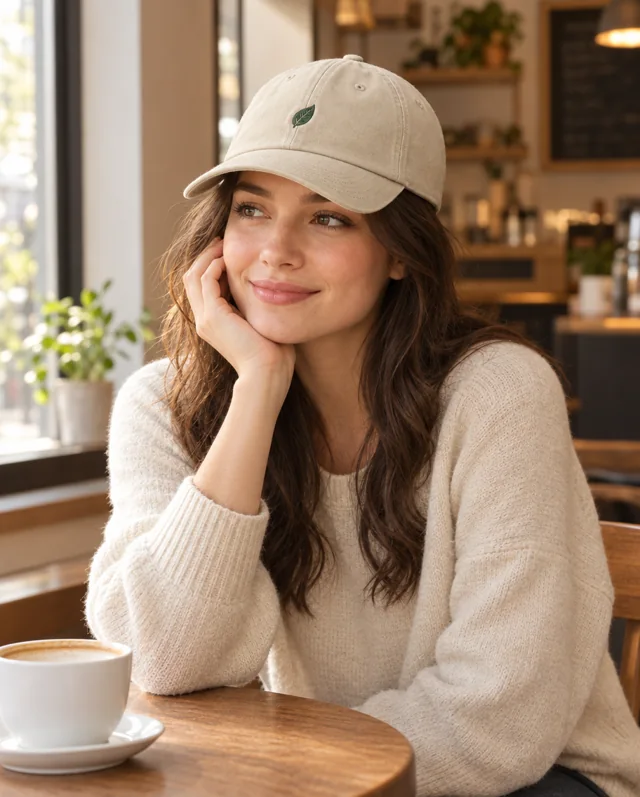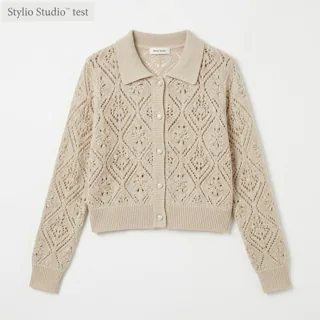
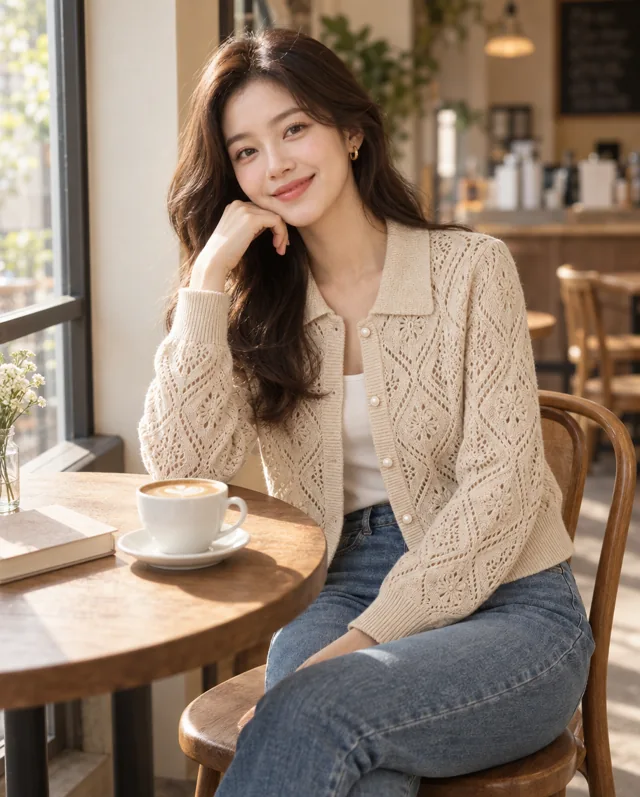
Example: a cream openwork cardigan becomes a seated café image. Compare the collar, buttons and knit pattern with the source, then consider whether the framing suits the collection.
Selected AI-generated examples. Before publishing, check garment shape, colors, prints, trims and logos against the source. Use accurate product photography to document details and fit.
Set a visual brief for the collection
A short brief can guide your selection: setting, lighting, palette and framing. For a knitwear story, you might explore a café scene, a clean studio view or a street setting. Keep the intended direction in mind when choosing plans or writing descriptions for each product.
Build a selection one product at a time
Use each product project to keep its source photo and generated options together. Return to a project when you want another direction. The cream cardigan examples in the gallery show a seated café composition and full-length studio and street views, giving you different ways to present the same piece.
Edit the selection before laying out the lookbook
Review the saved images together for colour, light, framing and the balance between the garment and its setting. Then assemble your chosen images in your layout tool. StylioStudio creates individual images; page layout, sequencing, product names and other collection information are added in that next stage.
Check each image and the collection as a whole
Model identity and garment details can vary between results. Check every image against its source, then assess whether the selected images work together. A shared visual brief helps you choose; it does not guarantee identical people or perfectly consistent results.
Compare product images