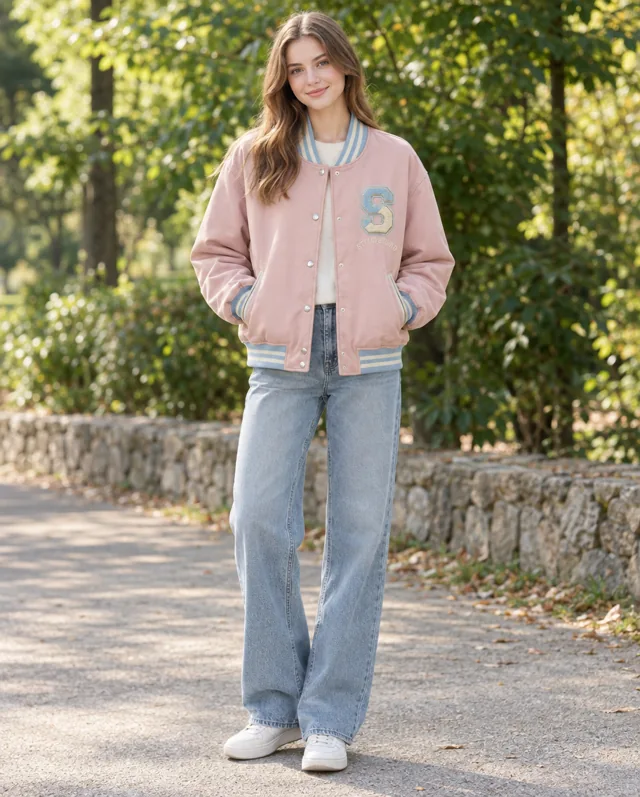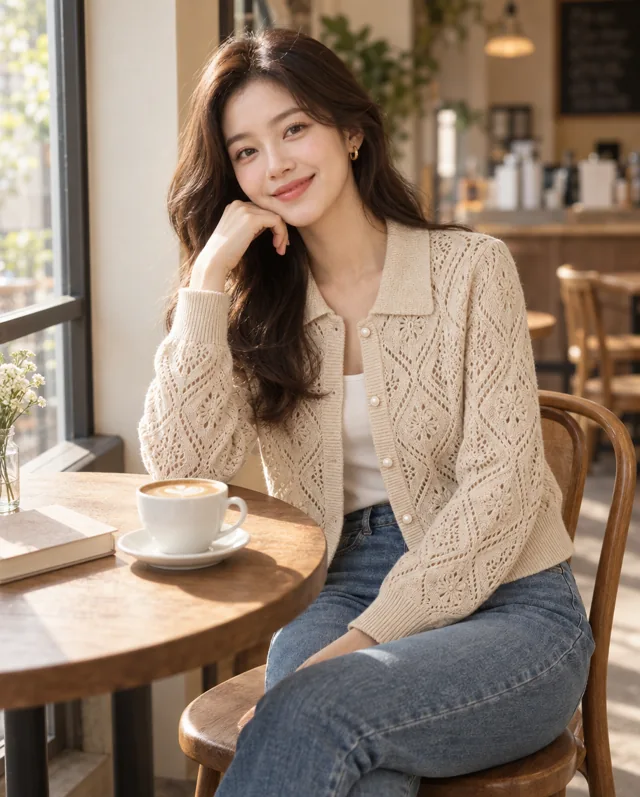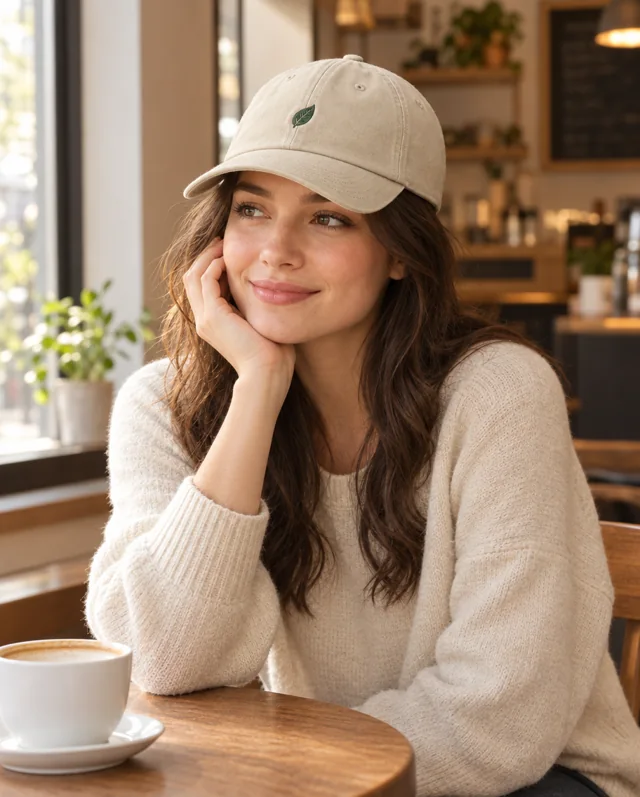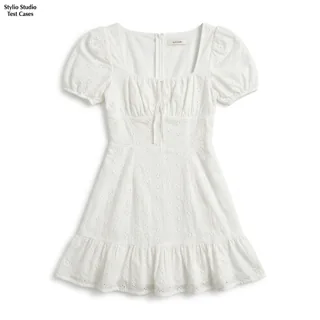
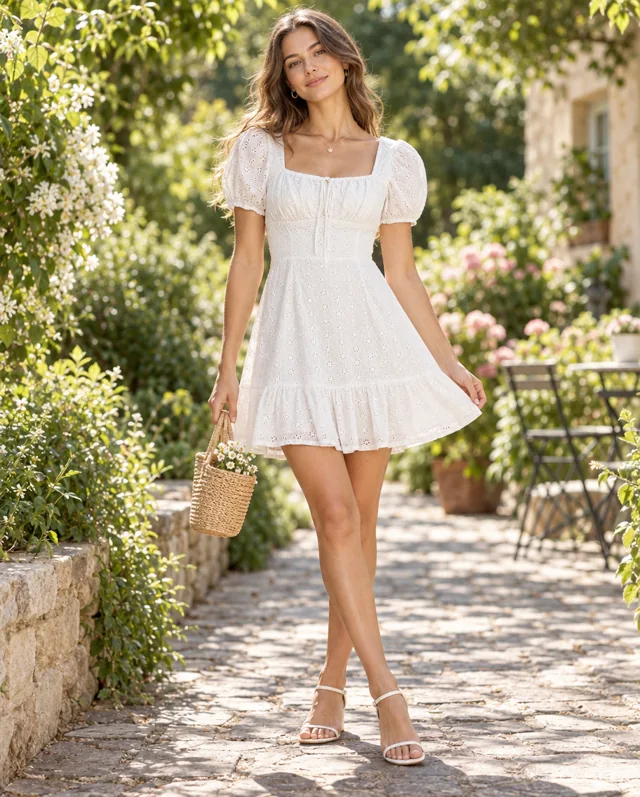
Example: a flat-lay photo of a white puff-sleeve dress becomes an AI on-model image in a garden. Compare the neckline, waist, eyelet pattern and hem with the original.
Selected AI-generated examples. Before publishing, check garment shape, colors, prints, trims and logos against the source. Use accurate product photography to document details and fit.
Start with a usable garment photo
Use a clear photo of the whole garment without a person in the frame. Lay sleeves flat and keep the neckline, hem and fastenings visible. For the white dress shown here, the square neckline, puff sleeves and eyelet pattern give you specific details to check against the generated image.
Choose an on-model view for the product page
After analysis, choose a suggested shoot plan. If needed, adjust the model, framing and output settings to suit the placement. A wider view can show the whole garment; a closer composition can bring the upper-body styling forward. The Generate button displays the credit cost before you start.
Select supporting images for the listing
Compare each result with the source before saving or sharing it. Check the silhouette, colour, print and trims at a useful viewing size. Use selected AI images alongside your product photography and product information, with real measurements and detail photos available to customers.
What to check before publishing
Check the garment itself, not just the overall scene: sleeves, hem, pattern, fabric and fastenings all matter. AI may change product details, and an on-model image does not establish real fit or measurements.
Compare product images